Nexiluma Market
30-Day Controlled Pilot. Make every visit handoff visible before it becomes a costly surprise.
30-Day Controlled Pilot. Make every visit handoff visible before it becomes a costly surprise.
Couldn't load pickup availability
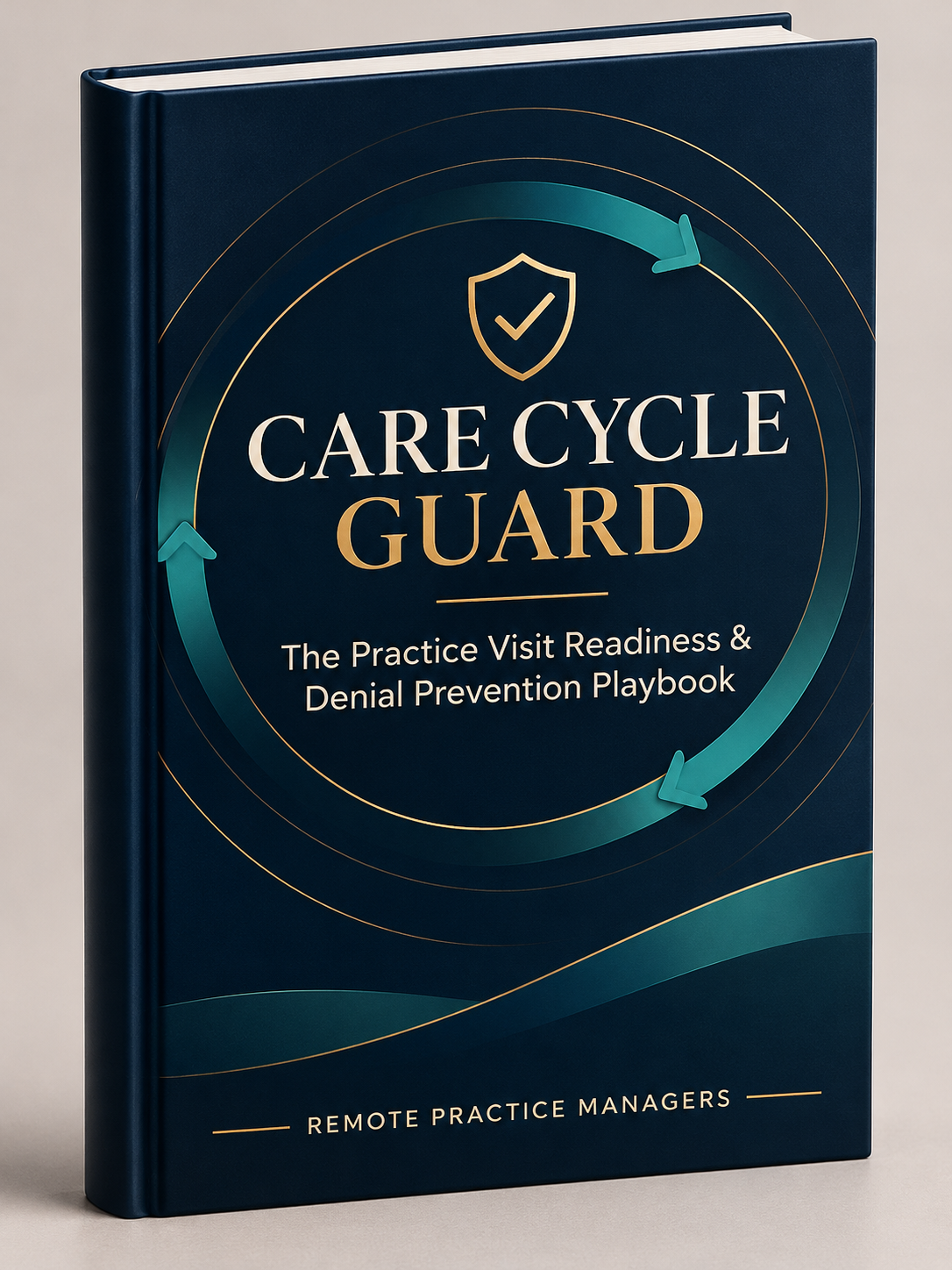
The 30-Day Controlled Pilot gives a practice a defined, reversible way to see how Care Cycle Guard fits its real appointment and visit workflow. RPM and the practice select one location, one staff group, and a limited sample of scheduled visits. The team uses the checklist to make ownership and open items visible, record evidence attestations, and document exceptions for follow-up.
The pilot establishes a baseline and a practical view of how the workflow performs. It is designed to expose recurring handoff gaps—such as incomplete eligibility checks, demographic mismatches, authorization questions, benefit-frequency concerns, missing follow-up owners, or delays—early enough for the practice to act under its own policies.
Pilot includes
- Kickoff and current-state workflow review.
- One-location Care Cycle Guard setup using the agreed stages and checklist.
- Up to 40 visit cases during the 30-day pilot.
- Role and escalation mapping for the participating staff.
- One staff orientation session and one refresher/Q&A session.
- Weekly pilot check-ins and an exception/action log.
- A baseline and end-of-pilot summary with completion, blocked-item, time, delay, and evidence-attestation measures where available.
- A closeout meeting with recommendations for continue, revise, or stop.
Pilot does not include
- EHR, practice-management, clearinghouse, or payer-portal integration.
- Automated insurance eligibility or authorization determinations.
- Clinical triage, coding decisions, medical-necessity decisions, or claim submission.
- A guarantee of zero denials, payment, authorization approval, or a specific financial return.
- Transfer of patient-identifying information into the plugin. Patient-to-reference mapping remains in the practice’s approved system.
Benefits: with the service vs. without it
| With Care Cycle Guard | Without a structured guard process |
|---|---|
| Staff see the required checks, current owner, status, evidence attestation, and unresolved items in one workflow. | Checks may remain spread across memory, sticky notes, inboxes, payer portals, and separate staff routines. |
| The team can flag administrative concerns before they become a same-day surprise or an avoidable downstream rework item. | Eligibility, authorization, demographic, benefit, or scheduling concerns may surface late, when fewer options remain. |
| Completion and exceptions can be summarized with timestamps and non-identifying references. | Leaders may have limited evidence about what was checked, when it was checked, or where handoffs stalled. |
| Repeated issues can be grouped into trends and assigned improvement actions. | The same issue may recur without a clear owner, a consistent measure, or a feedback loop. |
| Staff use an agreed process while retaining the practice’s clinical and payer decision authority. | Process variation can depend heavily on individual memory, experience, or workload. |
Care Cycle Guard adds visibility and discipline to the workflow. It cannot remove payer policy changes, inaccurate source data, clinical uncertainty, or every human error.
What the solution delivers
- A visible visit-readiness workflow from appointment booking through the stages configured for the pilot.
- Clear task ownership so open checks and exceptions are not mistaken for completed work.
- A documented reason and evidence attestation for completed, blocked, or not-applicable checklist items, according to the practice’s approved policy.
- A concise case summary that staff can review and, when appropriate, transfer into the approved EHR note area.
- Daily, weekly, and monthly operational reporting for the agreed measures available from the workflow records.
- A prioritized improvement plan based on observed process gaps, recurring blockers, staff feedback, and measured workload.
- A repeatable staff routine that can be trained, reviewed, and improved over time.
Why it matters
Many administrative problems are easiest to resolve while there is still time to confirm the correct patient record, planned service, coverage details, authorization status, or follow-up owner. If the practice first discovers a gap at check-in, during treatment, or after the claim is submitted, the team may face a delay, rework, patient frustration, or a preventable billing issue.
Care Cycle Guard gives the practice a shared way to ask: What needs to be checked, who owns it, what evidence supports the status, and what remains unresolved before the next handoff?
The goal is to reduce avoidable process gaps and improve visibility—not to claim that every denial can be prevented or that every check can predict a payer’s final decision.
How it works
- Select the scope. RPM and practice leadership choose a location, workflow, participating roles, case volume, and pilot dates.
- Confirm safeguards. The parties define approved systems, access boundaries, privacy/security responsibilities, reference-code handling, and required agreements before any access to protected information.
- Configure the checklist. RPM maps the agreed administrative checks and escalation owners into the standalone Care Cycle Guard workflow.
- Orient the team. Staff learn how to open a case, work only the active stage, record concise explanations and evidence references, and route blocked items.
- Run the pilot. The practice and RPM use the approved source systems for verification. The plugin records workflow status and non-identifying references; it does not perform payer verification itself.
- Review the evidence. RPM reviews workflow measures and recurring gaps with the practice, then documents improvement actions.
- Decide what comes next. The practice chooses to stop, revise the workflow, continue with a managed package, or explore a separately scoped integration project.
Project requirements
- The practice provides:
- An executive sponsor and one operational lead.
- A named list of pilot users and their roles.
- The current appointment-to-post-visit workflow and relevant written policies.
- A defined location and visit types for the pilot.
- Access to approved source systems only after appropriate agreements, permissions, and security review are in place.
- A process for maintaining patient identity and reference-code mapping inside the practice’s approved system.
- Staff availability for kickoff, orientation, weekly check-ins, and closeout.
- Timely decisions on escalations, blocked items, and practice policy questions.
Privacy rule: Do not enter patient names, dates of birth, member IDs, clinical details, source-document images, or other direct identifiers into the standalone plugin. Use the practice’s approved systems for source records and identity mapping. Any RPM access to PHI must be covered by the appropriate written agreements and safeguards before access begins.
What happens after you sign up
- Within two business days: RPM schedules a discovery call and sends a short readiness questionnaire.
- During week one: RPM confirms scope, contacts, policies, access boundaries, pilot measures, and the location’s workflow.
- Before live cases: The parties confirm required agreements and permissions, configure the checklist, and orient the pilot users.
- During the pilot: The team works the agreed cases, records exceptions, and meets weekly to resolve workflow questions.
- At closeout: RPM presents the pilot report, identifies observed bottlenecks and repeat issues, and proposes a continue/revise/stop decision.
- If continuing: RPM and the practice select a managed package, confirm the case allowance and service levels, and schedule the first monthly performance review.
Expected results and success measures
- The pilot establishes the actual baseline; RPM should not promise a percentage improvement before seeing the practice’s data. Measures can include:
- Percentage of configured checks closed before the next handoff.
- Number and share of cases with blocked or unresolved administrative items.
- Common blocker categories and the stage where they first appeared.
- Cases with a documented owner and due date for follow-up.
- Staff work time recorded in Care Cycle Guard, where the team uses the timer consistently.
- Administrative delay frequency and duration, when the practice can reliably observe them.
- Completion of evidence attestations and required explanations.
- Staff-reported clarity, workload friction, and patient-facing delay points.
- Subsequent administrative denial or rework patterns when the practice can lawfully and reliably link those outcomes to the pilot period.
Interpretation: These measures show process performance and observed associations. They do not establish that the tool alone caused a financial or clinical outcome. Payer response, service mix, clinical factors, source-data quality, staffing, and policy changes can all affect results.
Demand Heatmap
The pilot and managed reports can include a workflow demand heatmap showing where staff attention and exceptions concentrate. It is a report built from agreed operational observations, not an automatic prediction engine in the current plugin.
| Heat level | What it signals | Example review question |
|---|---|---|
| High | Repeated blockers, rework, or time pressure in a stage or check | Is an authorization or benefit-frequency step routinely starting too late? |
| Medium | Intermittent delays or inconsistent completion | Does ownership vary by shift, service type, or staff member? |
| Low | Few observed exceptions in the pilot sample | Is the check working reliably, or was the sample too small to judge? |
The heatmap should show counts and rates with sample sizes, timeframe, and definitions. Avoid ranking individual employees or presenting small samples as proof of performance.
30-Day Pilot Confidence Guarantee
If RPM fails to deliver the agreed pilot setup, staff orientation, weekly check-ins, and final pilot summary within the 30-day pilot period for reasons within RPM’s control, the practice may choose either:
- A full refund of the $3,900 pilot fee, or
- A no-charge extension until the missed deliverables are completed.
The practice must provide the agreed sponsor, staff participation, policies, and timely access to approved systems after required agreements are in place. If the practice pauses or withholds those inputs, the pilot dates may be extended by written agreement.
This guarantee covers delivery of the agreed service. It does not guarantee zero denials, payer approval, reduced claim denials, faster reimbursement, a specific financial return, or clinical outcomes. Final terms belong in the signed service agreement and should be reviewed by RPM counsel before publication.
Important scope statement: Care Cycle Guard supports administrative workflow review and documentation. It does not guarantee payment, prevent every denial, replace payer decisions, provide clinical judgment, or replace the practice’s incident-reporting process. The current plugin is an independent, manually operated WordPress tool; it does not connect to an EHR, verify benefits automatically, or send push notifications. Any future integrations or push features should be sold only after they are built, tested, and contracted.
FAQ
Does Care Cycle Guard connect directly to our EHR?
No. The current plugin is a standalone, manually operated workflow tool. EHR or payer-system connections require a separately scoped and approved integration project.
Does it verify insurance or authorization automatically?
No. Authorized staff review the appropriate source systems under the practice’s policies. Care Cycle Guard records workflow progress and evidence attestations.
Can RPM promise zero denials?
No. The service is designed to reduce avoidable administrative omissions and make risks visible. Payer decisions and other causes of denial remain outside RPM’s control.
Will patient identifiers be stored in Care Cycle Guard?
The intended workflow uses a random Care Cycle Guard reference code. Patient identity and reference mapping remain in the practice’s approved system. Do not enter PHI into the plugin.
What happens after the pilot?
The practice can stop, request a workflow revision, or move into a monthly Managed Guard package. There is no requirement to continue unless the parties sign the next service term.
Share